


No Forum Live next week (Monday 24 June) as the team will be taking a well-earned break after the exertions of Nudefest!
Back on 1 July...
-
 1
1



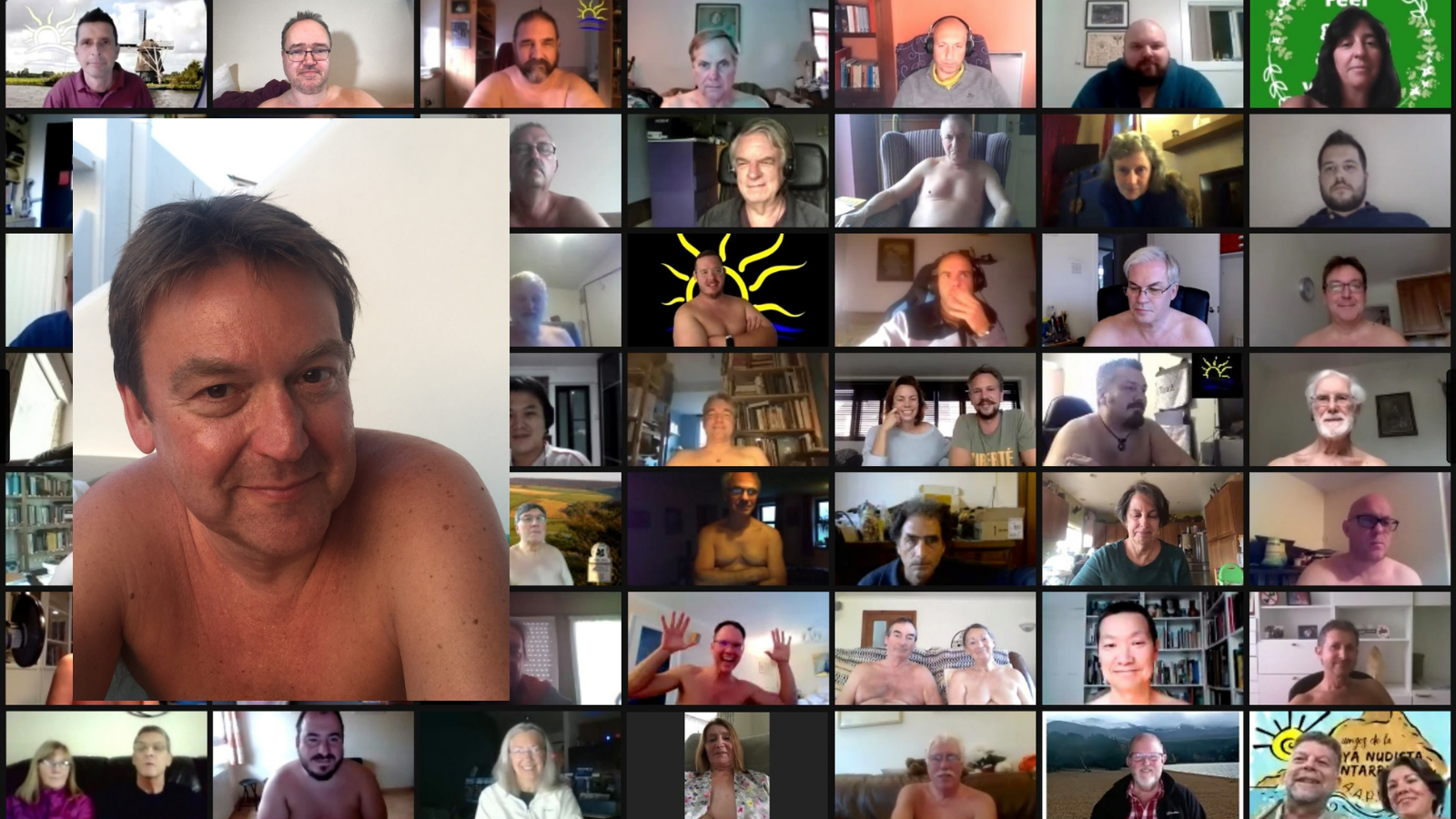
No Forum Live next week (Monday 24 June) as the team will be taking a well-earned break after the exertions of Nudefest!
Back on 1 July...
1

We have placed cookies on your device to help make this website better. You can adjust your cookie settings, otherwise we'll assume you're okay to continue.
 .
.