





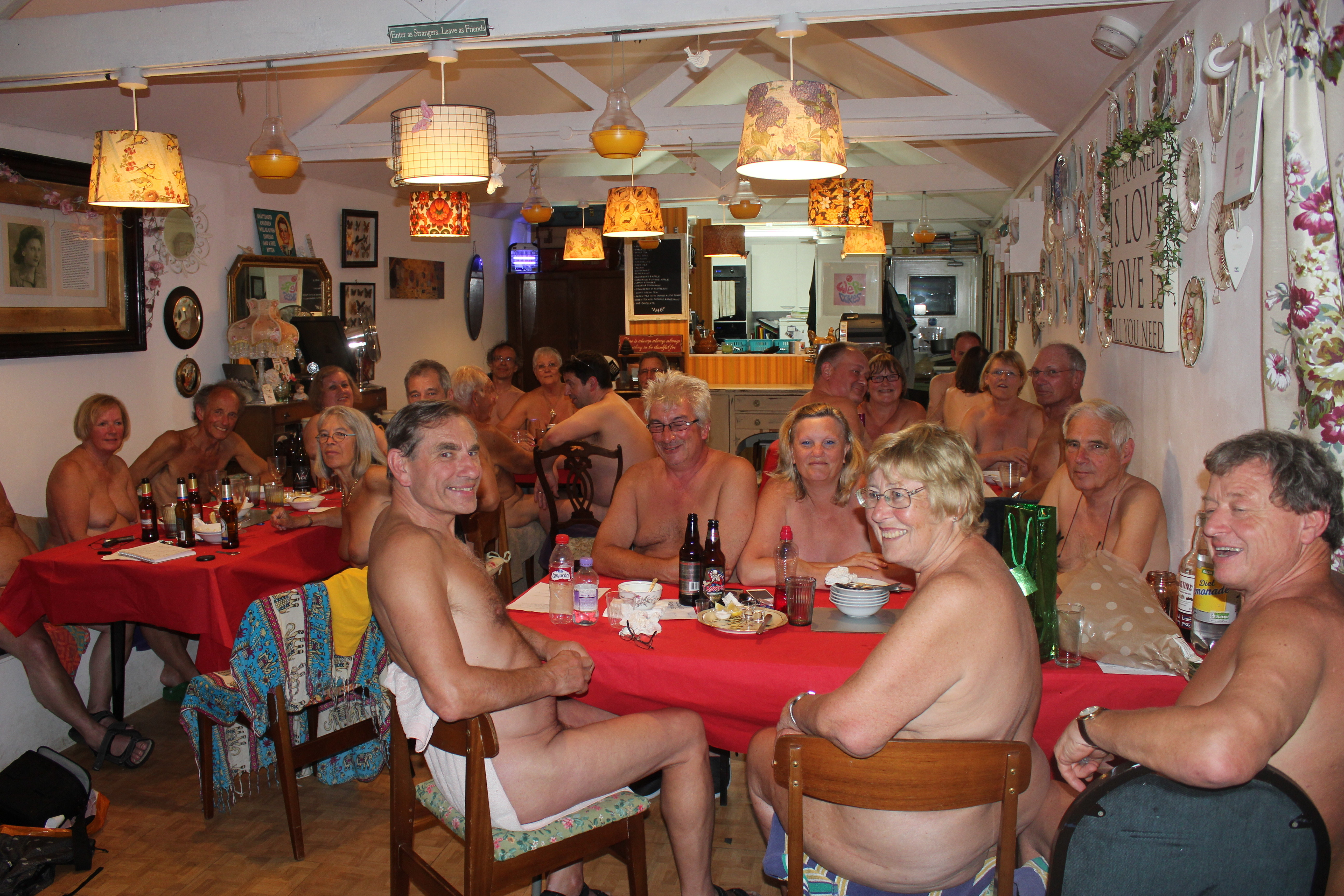
Naked Dining At The Orchard Fairfield
FULLY BOOKED
NAKED DINING AT THE ORCHARD FAIRFIELD
12th January 2019 - 7.00pm - Bookings Are Now Open
We have arranged a three course meal plus tea or coffee for £24.00 per person.
We will have the whole of the Orchard for our exclusive use.
The Orchard Fairfield - Fairfield Park - Stotfold - Beds - SG5 4JJ
 STARTERS
a) Chunky Vegetable Soup with Crusty Bread
b) Black Pudding with Smoked Bacon, Poached Egg and Mixed leaves
c) Classic Prawn Cocktail with Brown Bread and Butter
MAINS
d) Grilled Parmesan Chicken with Tomato and Herb Sauce, Sautéed New potatoes and Green beans
e) Homemade Fish Pie with Seasonal Veg
f) Penne Pasta with Pesto, Cherry Tomatoes, Wild Rocket and Garlic Crostini
DESSERTS
g) Warm Chocolate Brownie with Honeycomb Ice Cream
h) Fruits of The Forest Cheesecake with Vanilla Ice Cream
i) Lemon Roulade with Raspberry Ripple Ice Cream
BOOKING
Please select your choice of starter, main course and dessert. Send your name and meal selection to Robert and Pauline at;
We will send you payment details with the booking confirmation (Your meal selection must be sent with your booking.)
If you have any questions or require any further information please contact us on athelstan936@ntlworld.com or phone 07717532256.
We look forward to seeing you
Pauline and Robert
Picture from an earlier naked meal at We R Cakes.jpg.3842716a7d55b02e2b7fd0efa34e3815.jpg)
-
 6
6

