- Region: NW1
Latitude: 53.02102696
Longitude: -2.220471Address:
StaffordshireContact Details:
Email: pottersswim@gmail.com
Website: https://sites.google.com/site/thepotteriesswim/home
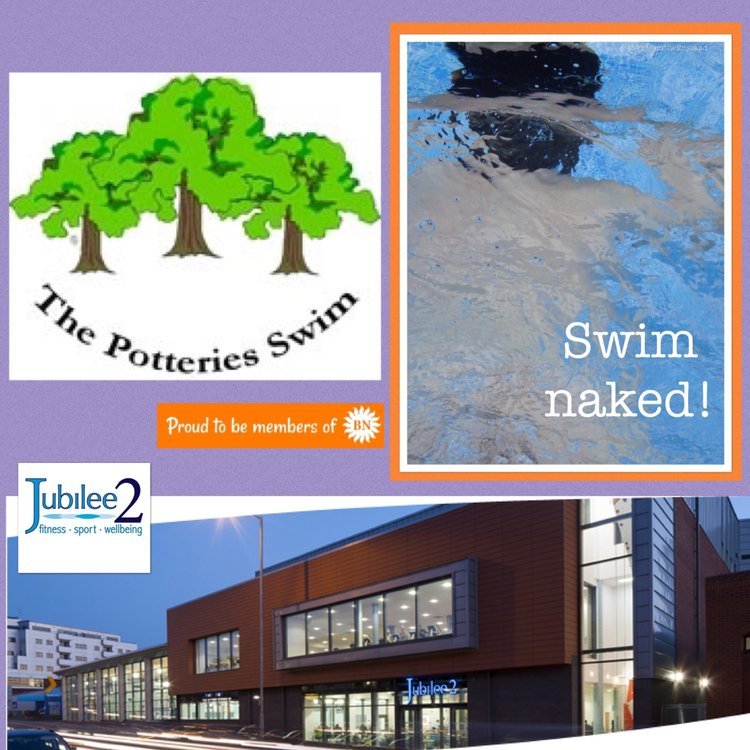
Potteries Naturist Swimming Club
We are a friendly club, open to all naturists over 18. Why not give it a try - swim and relax in a pleasant, friendly environment. A naturist swim is just like using any other public pool, but without costumes. The same standard of behaviour is required as would be expected at a conventional public swim.
We are a member club of British Naturism.
We meet on alternate Sundays at:
Jubilee Baths,
Nelson Place,
Newcastle under Lyme
Staffs., ST5 1HG.
From 19:30 to 20:30
Club weblink WITH 2025 DATES
https://sites.google.com/site/thepotteriesswim/home
NEW EMAIL ADDRESS:
2025 SWIM DATES
October 2025:
Sunday, 12th Sunday, 26th
November 2025:
Sunday, 9th Sunday, 23rd
December 2025:
Sunday, 7th Closed for Christmas
Notice Board:
Swims have now restarted, alternate SUNDAYS from 19:30 - 20:30. (Note shorter time than previously). Entrance charges have been reduced to reflect the reduction in facilities -- they will be further reviewed at the next AGM.
(CASH ONLY ACCEPTED)
Please try to arrive 10 / 15 minutes before the session starts. The café has currently reopened it’s sitting area but there’s no food or drink café provision on Sundays, just a couple of machines for canned drinks & snacks.
At the end of the session, please be ready to depart promptly -- by 20:40. This is to give the staff time to clean before they leave.
Only the smaller, 12m pool is available - the fitness equipment is no longer in place. The pool itself due to its depth is NOT SUITABLE FOR CHILDREN.
The sauna suite no longer exists.
There may be changes to the entrance charges in due course, depending on numbers attending. More details will be posted when known.
FIRST TIME VISITORS, you’ll be required to complete a form & produce official photographic ID or your BN card, thank you.
-
 3
3